


Staying safe: the internet and screen time


 About this lesson
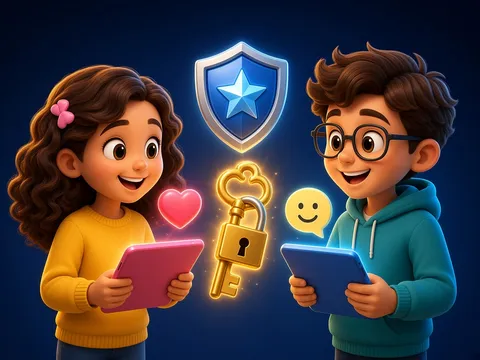
A password is a secret key; only parents may know it. We don’t give our name, address, school or phone number to strangers online. If an unknown link or advert pops up, we don’t tap it; we tell an adult. We don’t sit at a screen for long: we take breaks and rest our eyes. If anything scares or upsets us, we tell an adult straight away.
 What the book shows

In computer science the child first learns to think through unplugged games: recognising information, ordering steps and learning safety rules.
Textbook link:
This is not the textbook’s text but a short description of the topic. Check the exact page in your own textbook.
 The lesson step by step
- 1
Warm-up5 min
A tablet and a padlock: why?
- 2
New topic10 min
Five rules.
- 3
Practice10 min
Safe or unsafe.
- 4
Game10 min
“What would you do?” cards.
- 5
Wrap-up5 min
Rules poster.
 Let’s understand
For the student Simple language
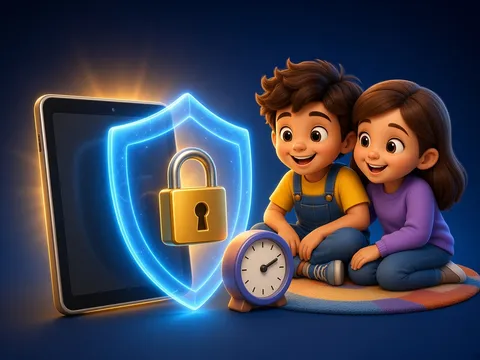
| Rule | Why? |
|---|---|
| 🔒 Tell nobody your password (except parents). | It protects your account. |
| 🙅 Don’t write your name, address or phone to strangers. | We don’t know who they are. |
| ⚠️ Don’t tap unknown links. | They can be harmful. |
| ⏰ Take breaks. | Eyes and backs get tired. |
| 🙋 If you feel worried, tell an adult. | Adults will help. |
 For the parent
How to help
- Write a family screen-time rule and put it on the wall.
- Check your child’s games and sites together.
- Say: “Whatever happens, you can tell me; I won’t be cross.”
 For the teacher
 Lesson goals
- Know the key internet rules: keep passwords secret, tell strangers nothing, don’t tap unknown things, keep to screen time.
How to teach it
- Unplugged games, cards, role play, discussion
 Differentiation
- Weaker pupils: 2–3 steps; stronger pupils build their own algorithm
 Questions for the class
- Which rules do we follow online and why?
 How to check
The pupil explains 4 rules and chooses correctly in a scenario.
 Scientific Scientific language
Resting your eyes
Looking at a screen for a long time tires the eyes. Looking far away now and then, for example out of a window, rests them.
Good passwords
A good password is long and hard to guess; a name or “1234” is a poor one.
Self-study
Step by step
- Do I know this person in real life?
- Are they asking for private details? I don’t write them.
- Worried? I tell an adult.
- Time’s up? I switch off.
Going deeper
 Scientific language: for older students, parents and teachers.
What we write and send online can stay there for a long time, so we think before we send.
 Play and check
Safe or unsafe?
 How to write it down
- A poster “My internet rules”: 4 rules and 4 small pictures.
How the classwork looks in the notebook
Sample: the date and heading follow this country’s notebook rules.
 Watch out: common mistakes
 Where it helps in life
- Making a strong password
- Being polite online
 At home
Core
- Write a family screen-time rule with a parent.
Extra ⭐
- Hang your poster next to the computer.
How to do it
- Do the task with a grown-up.
- Explain in words what you noticed.
Answers for parents
For example: only after homework, with breaks; no screens before bed; new games are chosen with a parent. Each family sets its own rule.
Step-by-step homework solution — Show the solution (try it yourself first)
What would you do?
- Someone in a game writes “send me your photo”: I don’t answer; I show a parent.
How the homework looks in the notebook
Sample: the date and heading follow this country’s notebook rules.

 About cookies